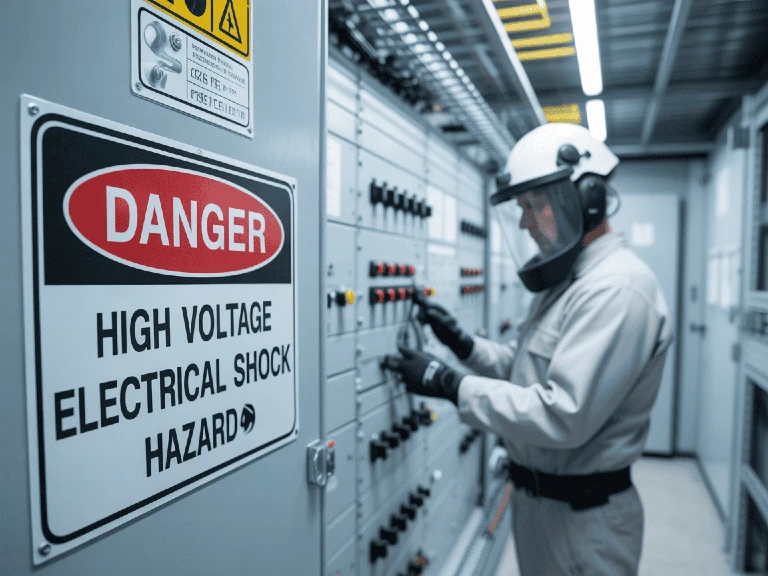
A digital lockout tagout system helps industrial teams manage energy isolation requests, approvals, responsibilities and records in one shared platform. It connects the administrative steps surrounding lockout/tagout with the people responsible for carrying out the work.
For maintenance, commissioning and operations teams, the practical benefit is clearer coordination: knowing which isolation request is being reviewed, who needs to act, and where to find the supporting information.
However, software does not physically isolate equipment or prove that hazardous energy has been controlled. Those actions remain the responsibility of trained, authorized personnel following the approved procedure.
This guide explains how digital LOTO works, how it compares with paper-based management, and how to introduce it into an existing energy control program.
What is a digital lockout tagout system?
A digital lockout tagout system is software used to organize and document the management of hazardous energy isolation.
Depending on the platform and configuration, it can connect:
Equipment and isolation-point information.
Work requests and supporting documents.
Assigned responsibilities and approval stages.
Field confirmations and acknowledgements.
Recorded isolation status.
Historical records and reports.
The terms digital LOTO, LOTO management software and lockout tagout software often describe overlapping capabilities. When evaluating a system, examine the actual workflow rather than relying on the product label.
A useful distinction is whether the software only stores procedures or also supports the activities surrounding each isolation request.
How does a digital lockout tagout system work?
The workflow should reflect the organization’s approved procedure. The following describes the information a system can manage, rather than a field instruction for performing isolation.
1. Define the request
The requester identifies the equipment, work scope, location and proposed timing. Supporting information gives reviewers the context needed to assess the request.
Clear equipment identification matters. A request referring only to “the pump in the plant room” leaves more room for confusion than one linked to a verified asset reference.
2. Review the plan and assign responsibilities
The request moves through the required reviewers and approvers. Each person should understand what their approval confirms and which decisions remain outside their authority.
The system should distinguish between a request awaiting review and one authorized to proceed under the site’s rules.
3. Record field execution and verification
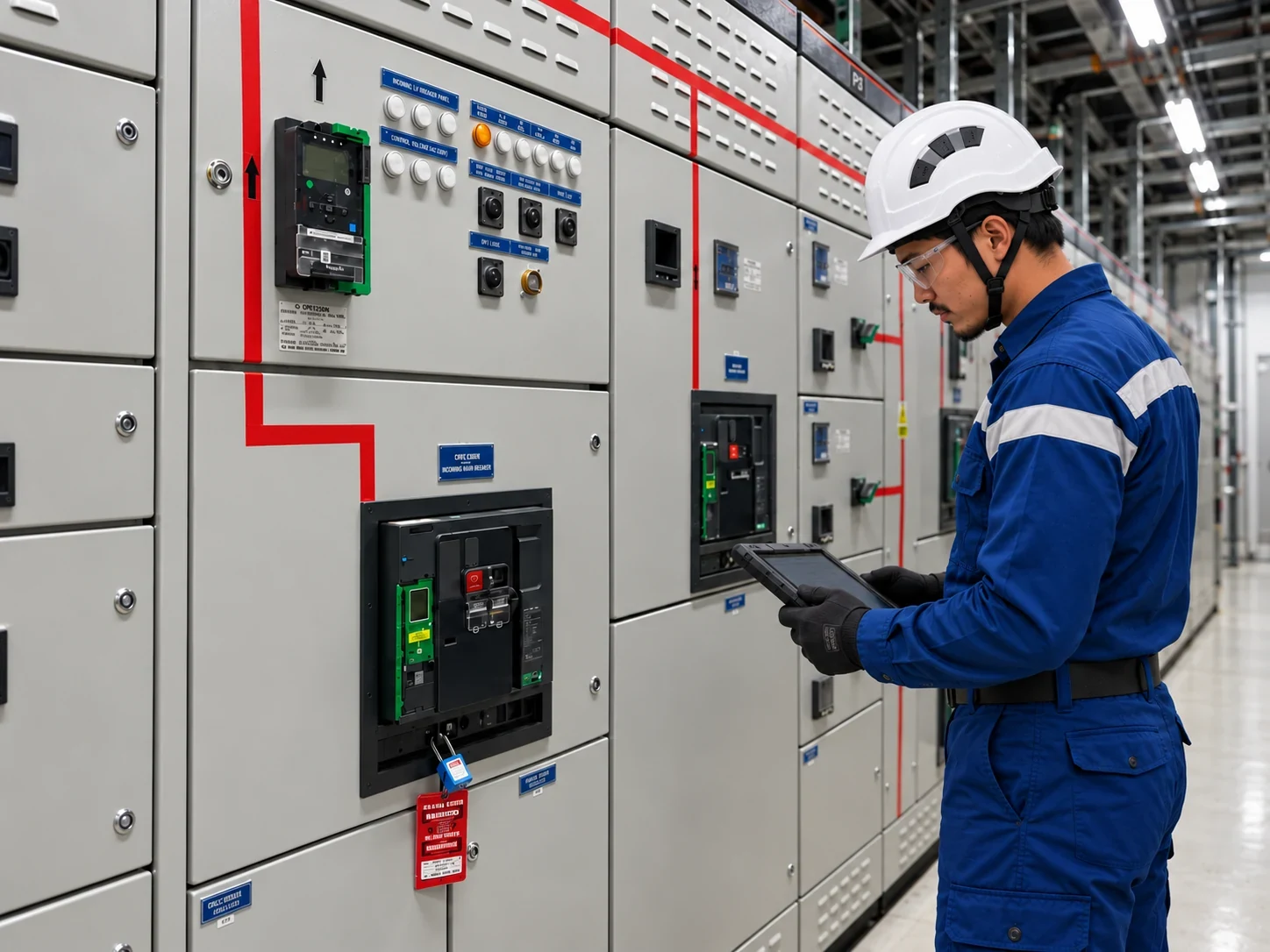
Authorized personnel perform the required physical actions under the approved procedure and record the relevant confirmations.
An uploaded photograph or completed form can support traceability, but neither replaces the required verification of energy control.
4. Coordinate ongoing work
Teams use the shared record to review progress, identify the responsible personnel and communicate changes.
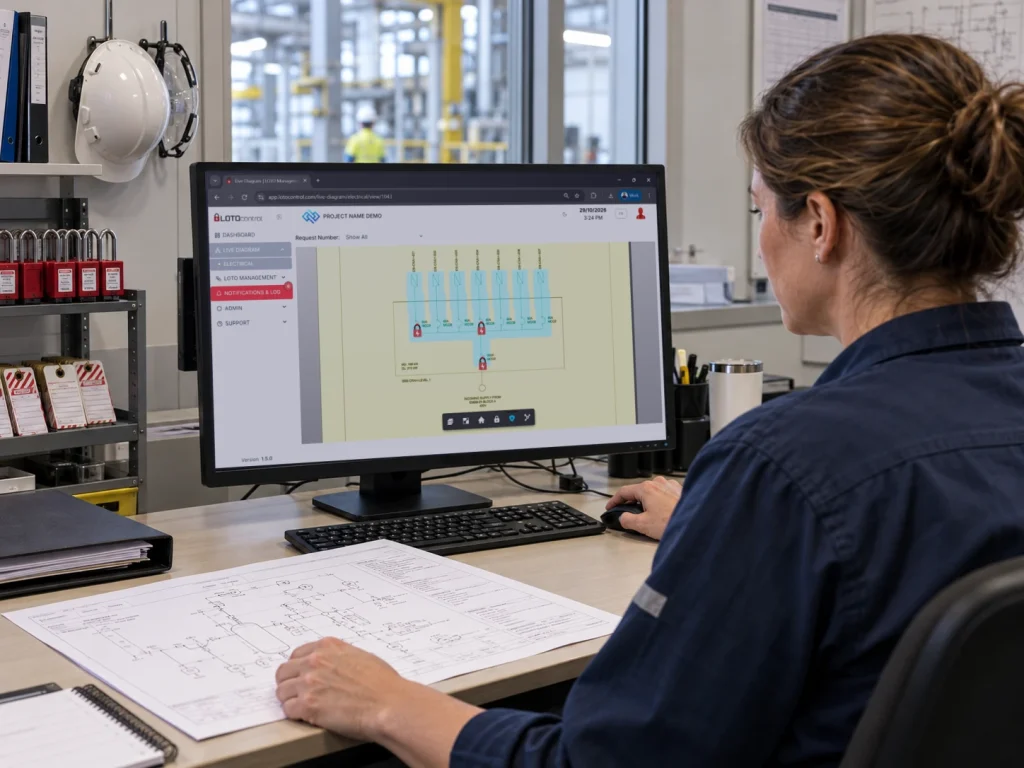
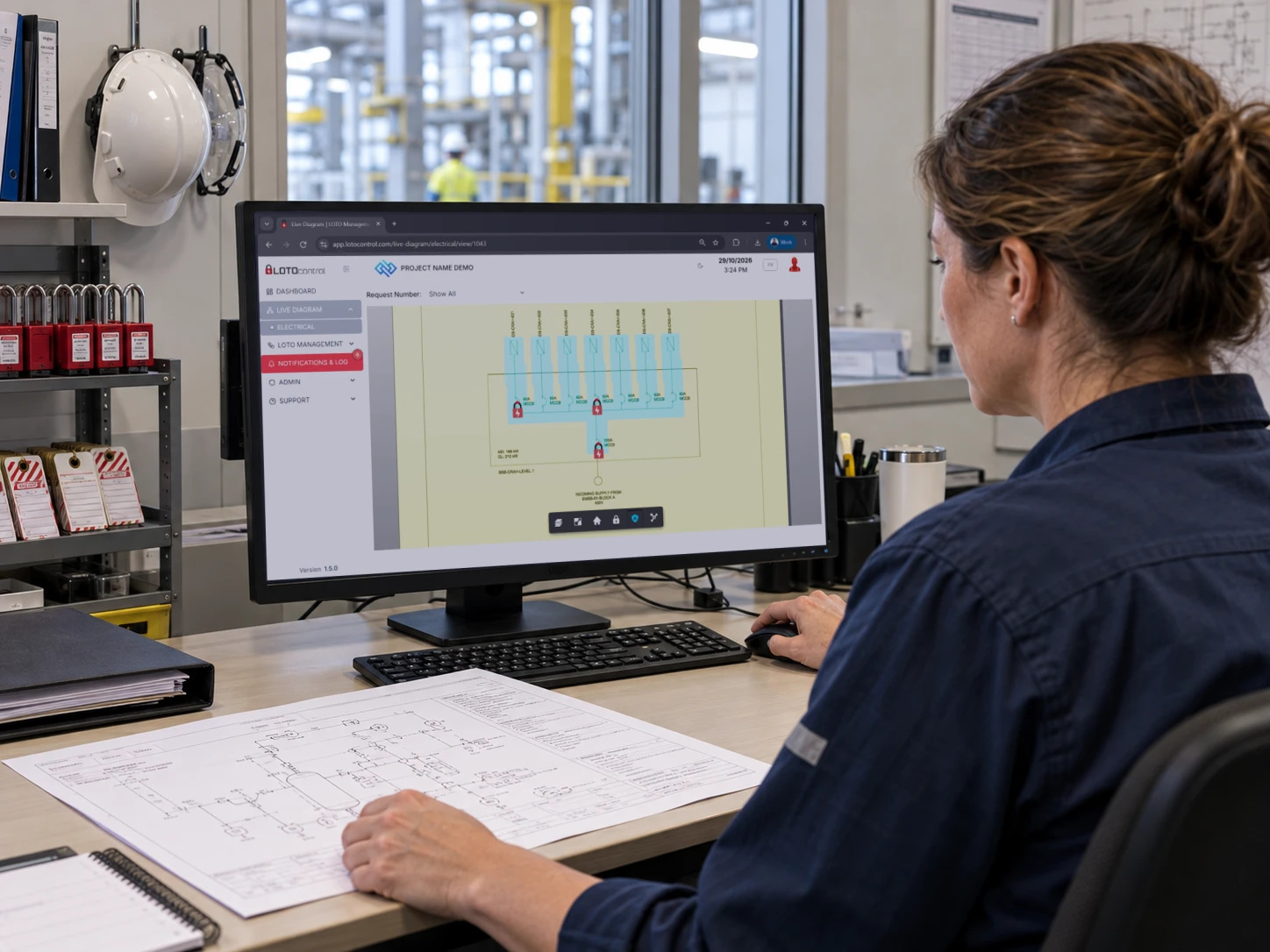
For example, LOTOcontrol provides guided requests, role-based approvals and interactive diagrams displaying recorded isolation information. See how the LOTOcontrol workflow works.
5. Manage completion and retain the history
The digital process should support the site’s completion and return-to-service requirements. The retained history should make it possible to review the request, decisions, confirmations and closure without reconstructing events from separate messages.
Digital lockout tagout system vs paper-based management
Paper-based procedures can form part of an effective energy control program. The question is whether the information-management method remains suitable for the number of activities, people and locations involved.
| Area | Paper-based management | Digital LOTO management |
|---|
| Requests | Forms passed between people or locations | Requests routed through a shared workflow |
| Approvals | Signatures collected and checked manually | Assigned approval stages and recorded decisions |
| Status overview | Updates gathered from registers and conversations | A shared view of recorded progress |
| Equipment references | Drawings and forms cross-referenced manually | Records linked to assets or mapped diagrams |
| Record retrieval | Files located and assembled for review | Searchable records and report exports |
| Procedure changes | Revised copies distributed and old copies controlled | Updates managed through configured document and workflow controls |
| Availability | Requires access to the relevant documents | Requires suitable system access and contingency arrangements |
The value depends on implementation. A poorly configured digital process can preserve the same ambiguities as a poorly managed paper process.
When does a digital lockout tagout system become useful?
Consider the questions your team must answer during an ordinary shift:
Which requests are waiting for approval?
Who is responsible for the next action?
Which work activities involve the same equipment?
Where is the latest supporting document?
What information must pass to the incoming team?
Can a completed isolation record be retrieved quickly?
If these answers require checking several spreadsheets, calling individuals and searching paper files, a shared workflow may be worth evaluating.
The need is particularly visible when maintenance, contractors and commissioning teams work in parallel. LOTOcontrol’s guide to project stakeholders describes how these responsibilities differ across project, isolation, commissioning, safety and quality roles.
What benefits should you expect from a digital lockout tagout system?
Less time spent chasing information
Assigned actions and visible request stages can reduce repeated status enquiries. The benefit should be measured through actual administrative effort and approval waiting time.
Clearer accountability
A useful record identifies who requested, reviewed, confirmed and closed an activity. Individual accounts and defined permissions help make those responsibilities visible.
More consistent administration
Configured workflows can require specified information before a request progresses. Their effectiveness depends on correct configuration, appropriate access rights and meaningful review.
Easier investigation and audit preparation
Connected records make it easier to retrieve supporting evidence and understand the sequence of recorded events.
An export is only as reliable as the information behind it. Missing field confirmations or inaccurate equipment references still need to be addressed.
What does “live isolation status” actually mean?
Before relying on a dashboard, establish where its information comes from.
A displayed status might reflect:
A user’s recorded confirmation.
Completion of a workflow stage.
Data received from connected equipment.
A combination of these sources.
These are different kinds of evidence.
A recently updated diagram can improve coordination, but a displayed lock symbol does not, by itself, prove the absence of hazardous energy. Teams need to understand what each status means, who updates it, and what verification remains necessary in the field.
When reviewing a platform, ask the supplier to demonstrate how it handles incomplete information, delayed updates and changes in work scope.
Does a digital lockout tagout system ensure compliance?
A digital system can support compliance activities, but purchasing software does not establish compliance.
For covered U.S. general-industry work, OSHA’s hazardous energy control standard requires an energy control program that includes procedures, employee training and periodic inspections. Digital records can help organize evidence, but the underlying activities must still take place. See OSHA 1910.147.
The applicable requirements also depend on the work and jurisdiction. Electrical work and other specialist activities may involve additional or different provisions.
Evaluate how the platform supports your approved program, rather than treating a supplier’s reference to a standard as proof that every job will comply.
How to move from paper to a digital lockout tagout system
Start with a defined operational problem
Choose a specific objective, such as reducing time spent locating records or improving visibility of pending approvals.
This makes the pilot easier to evaluate than a broad objective such as “digitize safety.”
Review the procedure before configuring it
Confirm responsibilities, approval requirements, equipment references and exception handling. Resolve unclear steps before transferring them into software.
Include representatives from field execution, operations, safety and system administration.
Pilot the digital lockout tagout system on a manageable scope
Start with a defined area, equipment group or team. Test realistic situations, including rejected requests, scope changes, handovers and unavailable approvers.
Agree how work will be managed if the platform or network becomes unavailable.
Validate the information
Check that equipment identifiers, drawings, user roles and workflow stages match the intended operation.
A polished interface cannot compensate for incorrect source information.
Train people for their responsibilities
Training should cover what each action means, what evidence is required and when users must stop and seek clarification.
Knowing where to click is different from understanding what a confirmation declares.
Measure results before expanding
Useful pilot measures include:
Time spent retrieving a completed record.
Approval waiting time.
Requests returned for missing information.
Records requiring correction.
User difficulties during field execution.
Use the findings to improve the configuration before rolling it out more widely.
How LOTOcontrol supports digital energy isolation management
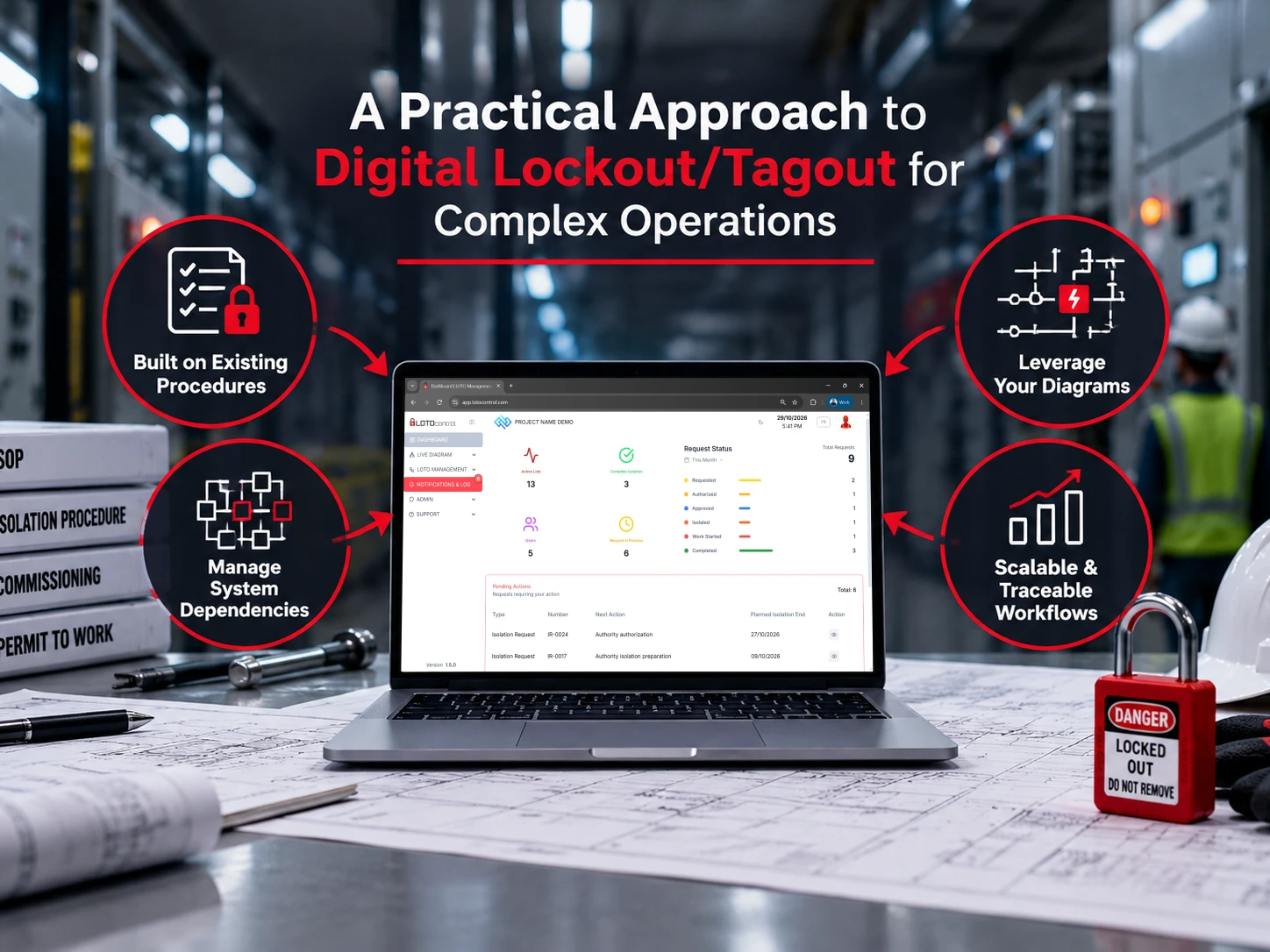
LOTOcontrol brings requests, approvals, equipment references and activity records into a connected workflow.
Its published capabilities include configurable workflows, interactive schematics, padlock and equipment registries, individual acknowledgements and reporting. Deployment options include cloud and on-premise arrangements, with availability and functionality to be confirmed for the selected configuration. Explore the LOTOcontrol platform.
During a demonstration, use one of your actual procedures. Ask the team to show how a request is created, reviewed, updated and closed, and how its history is retrieved.
For more detailed evaluation questions, read Digital Lockout/Tagout: Key Considerations for Complex Operations.
Frequently asked questions
Does a digital lockout tagout system replace physical padlocks?
No. A digital record is not a physical energy-isolating device. Required locks, tags and other protective measures remain part of the approved energy control procedure.
Do we need smart padlocks?
Not necessarily. Workflow software and connected locking hardware are separate capabilities. LOTOcontrol lists smart connected padlocks as an optional feature; confirm the hardware requirements for your intended deployment.
Can a digital lockout tagout system follow our existing procedure?
LOTOcontrol offers workflow configuration around existing procedures. The implementation should establish which steps, roles and records are supported and validate them before operational use. See the LOTOcontrol FAQs.
Can a digital lockout tagout system be used during commissioning?
It can support coordination of requests, responsibilities and recorded status during commissioning. The configuration must reflect the project’s approved isolation, testing and energization arrangements.
How long does implementation take?
The useful answer depends on scope: equipment data, workflow complexity, drawing preparation, access arrangements, validation and training. Agree a deployment plan based on those requirements rather than assuming every site can use the same schedule.
See your LOTO procedure in a digital workflow
Start with a process your team already knows. Review where information is delayed, responsibilities become unclear or records are difficult to retrieve.
Then evaluate how a digital lockout tagout system would handle those specific problems.
Request a LOTOcontrol demonstration to discuss your procedure, equipment information and project requirements.